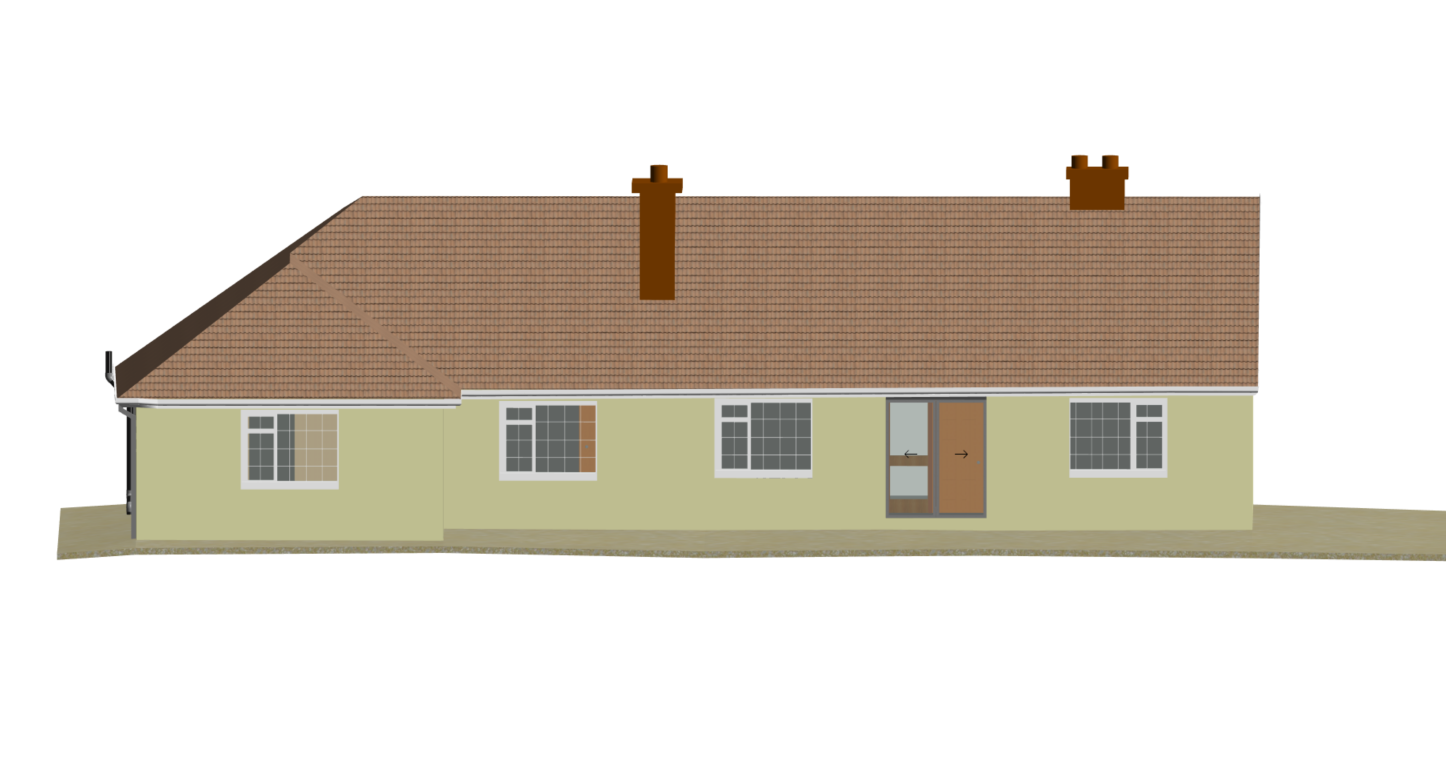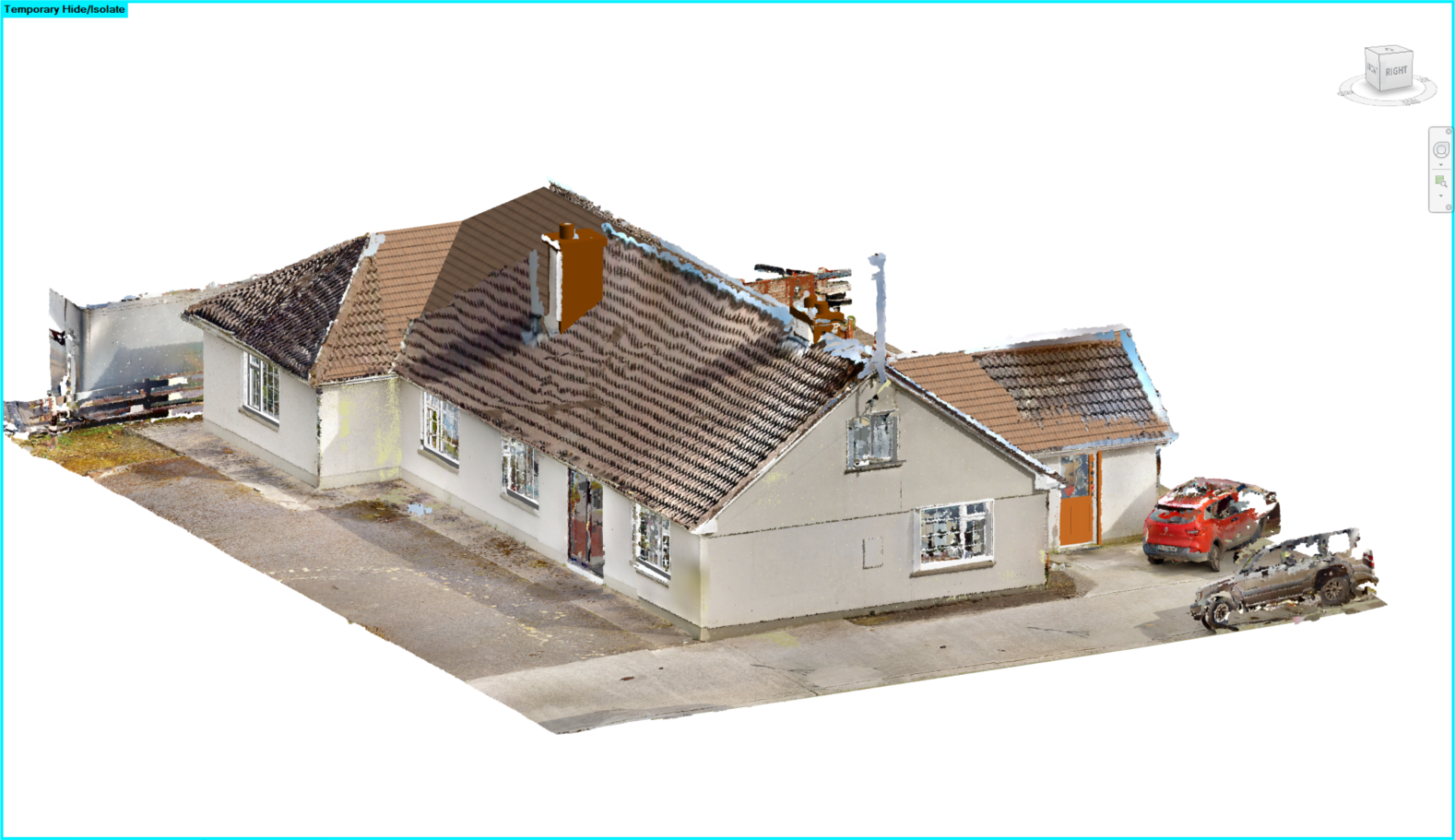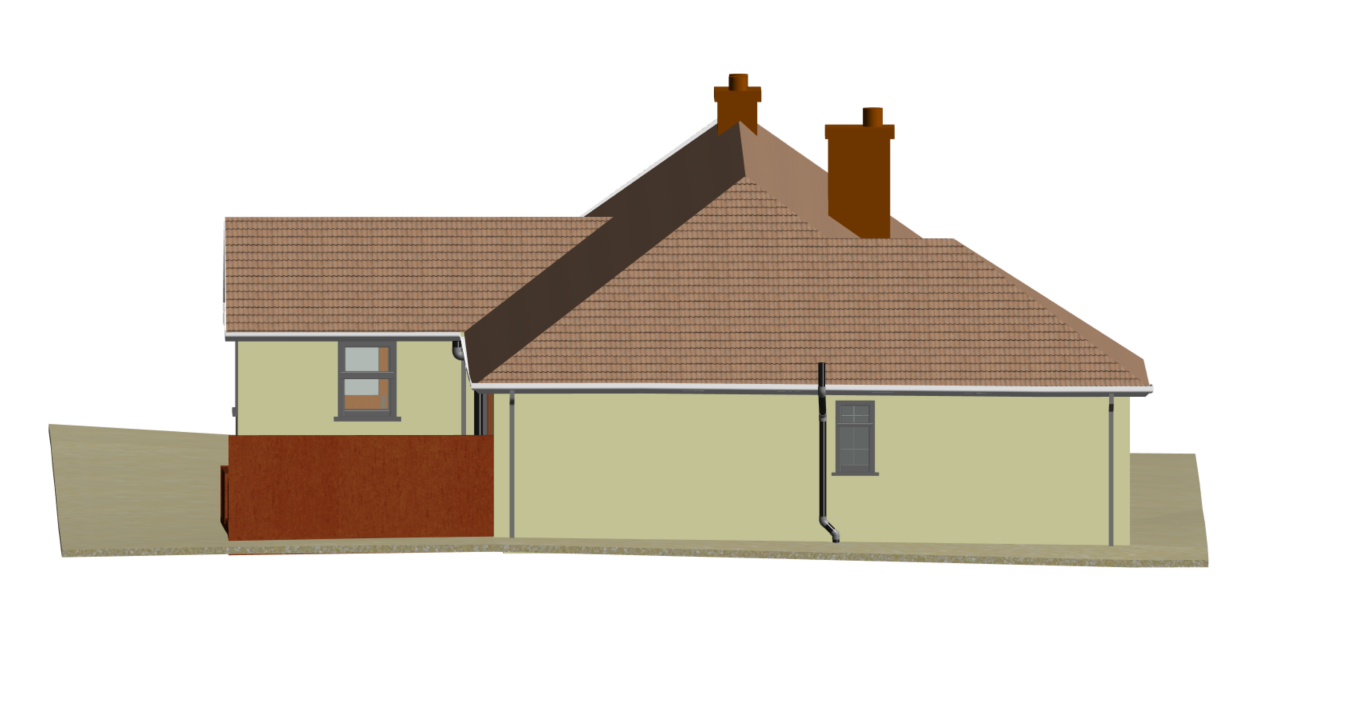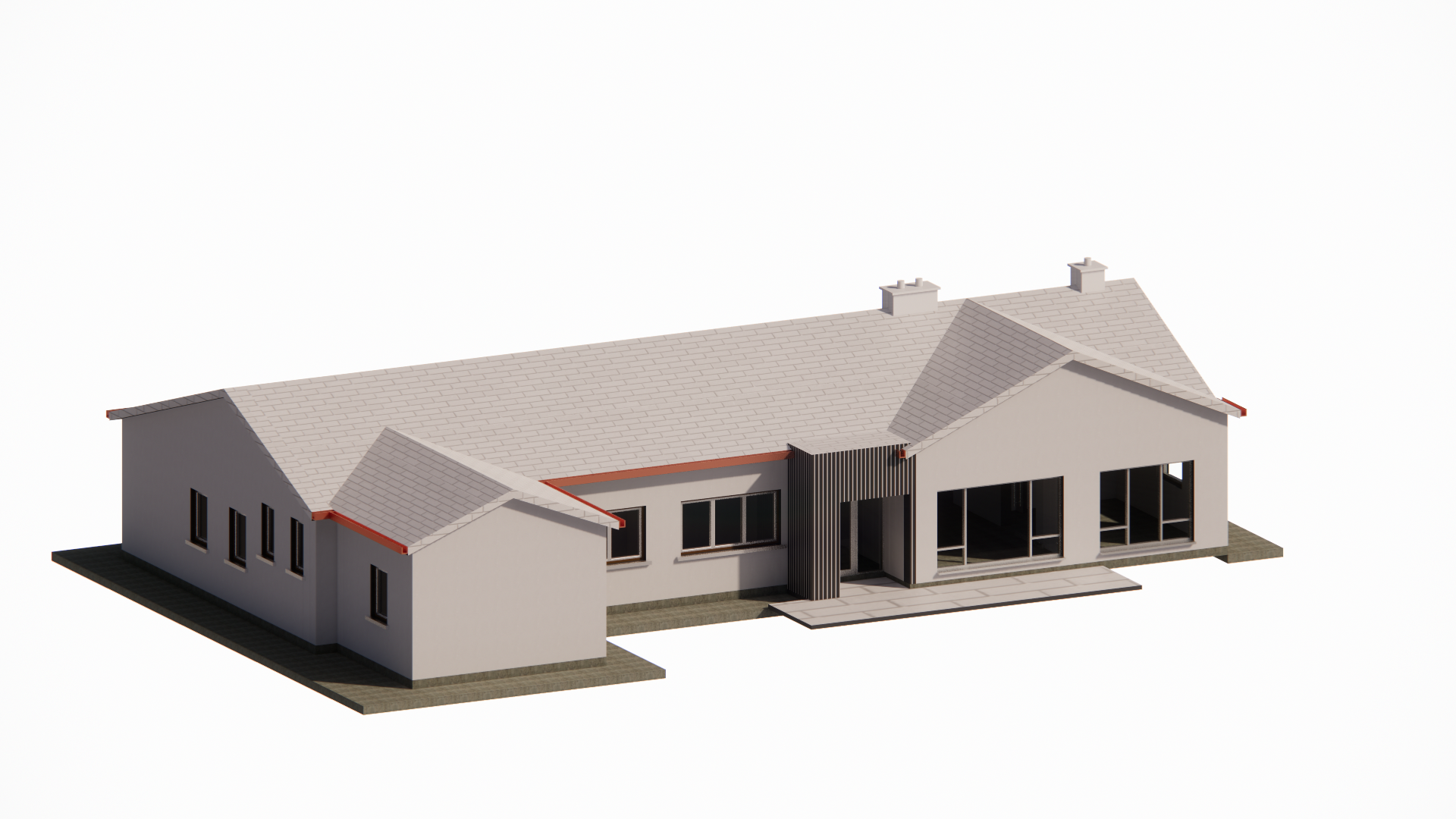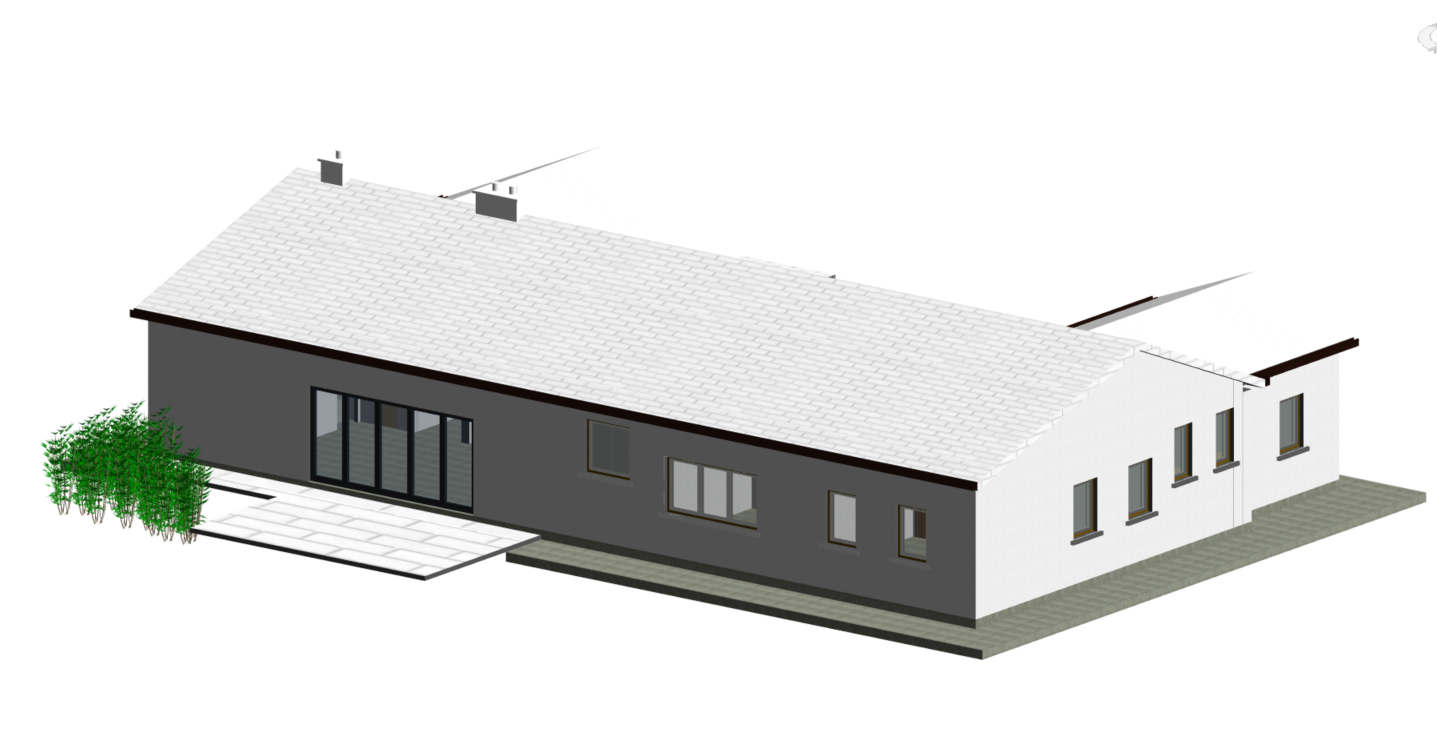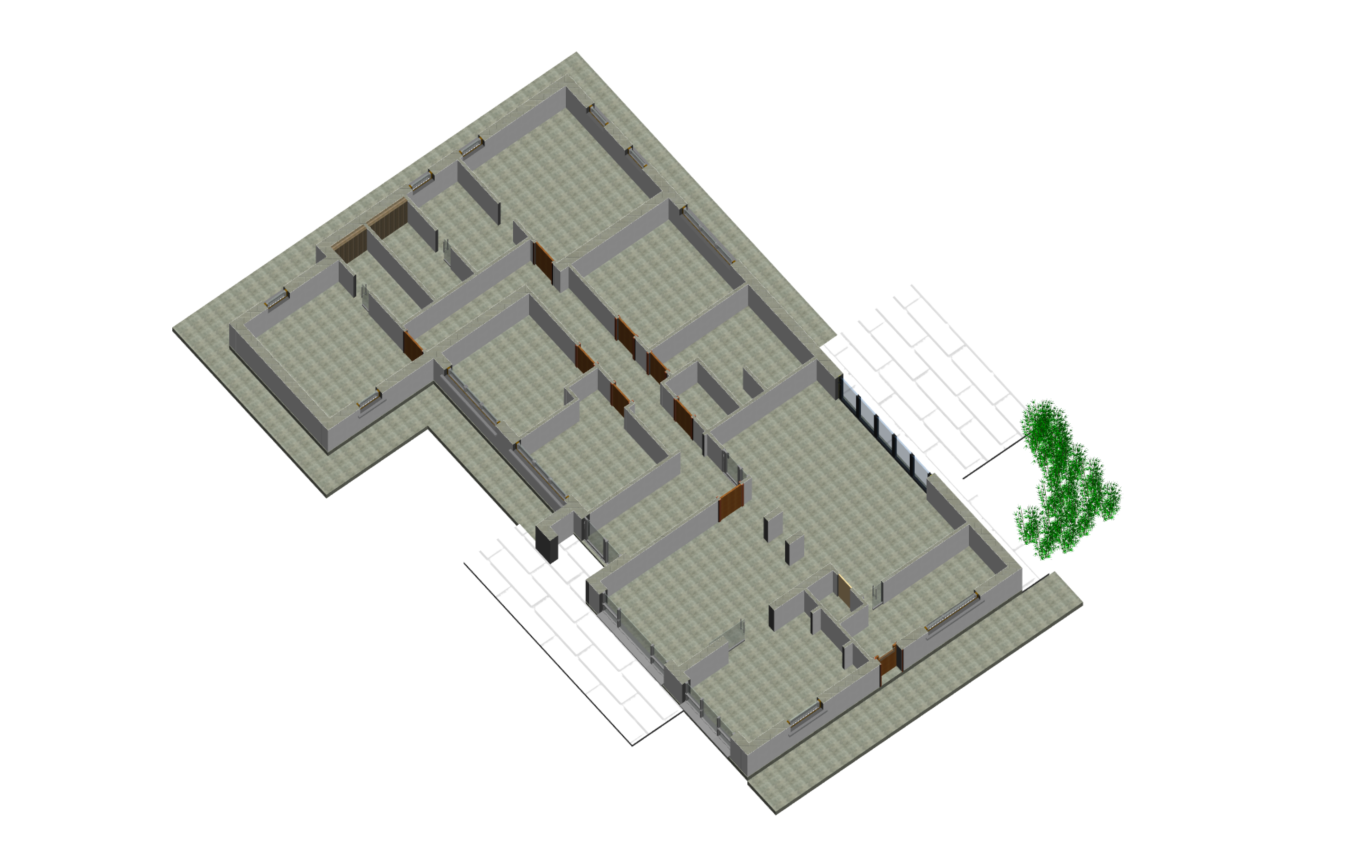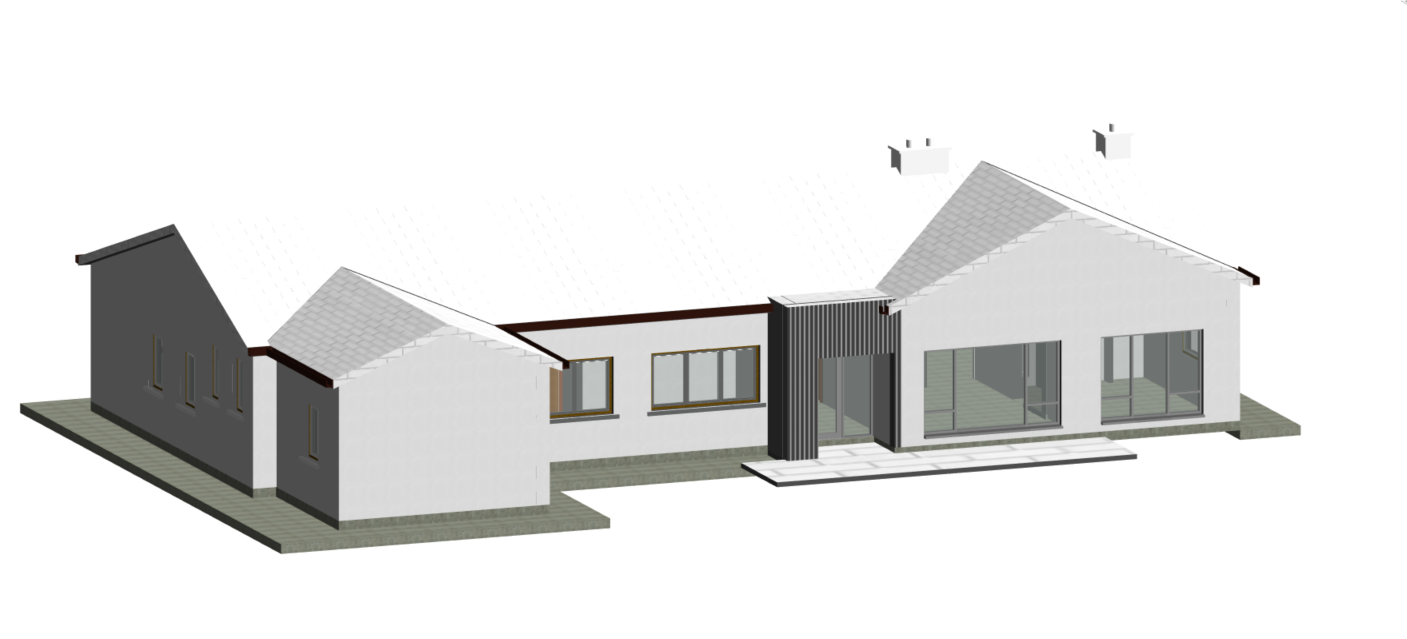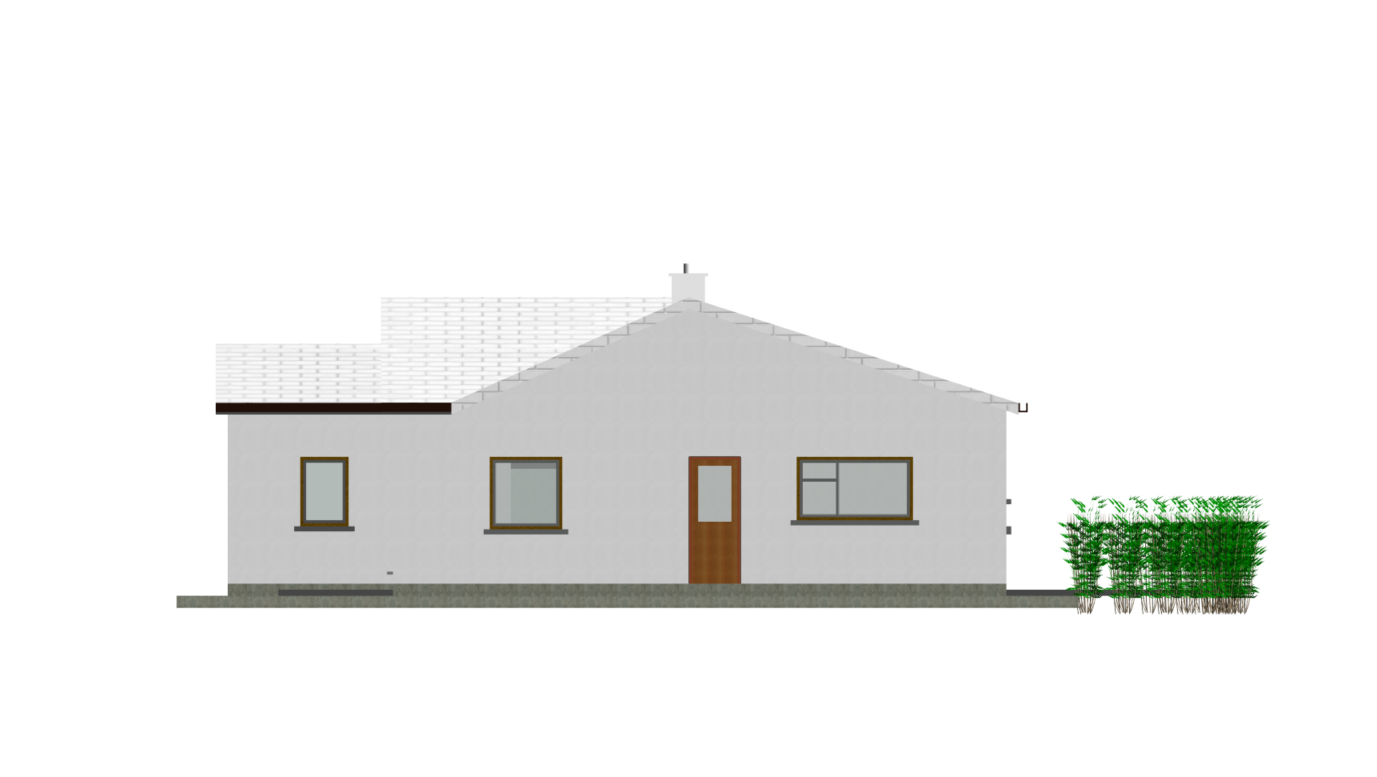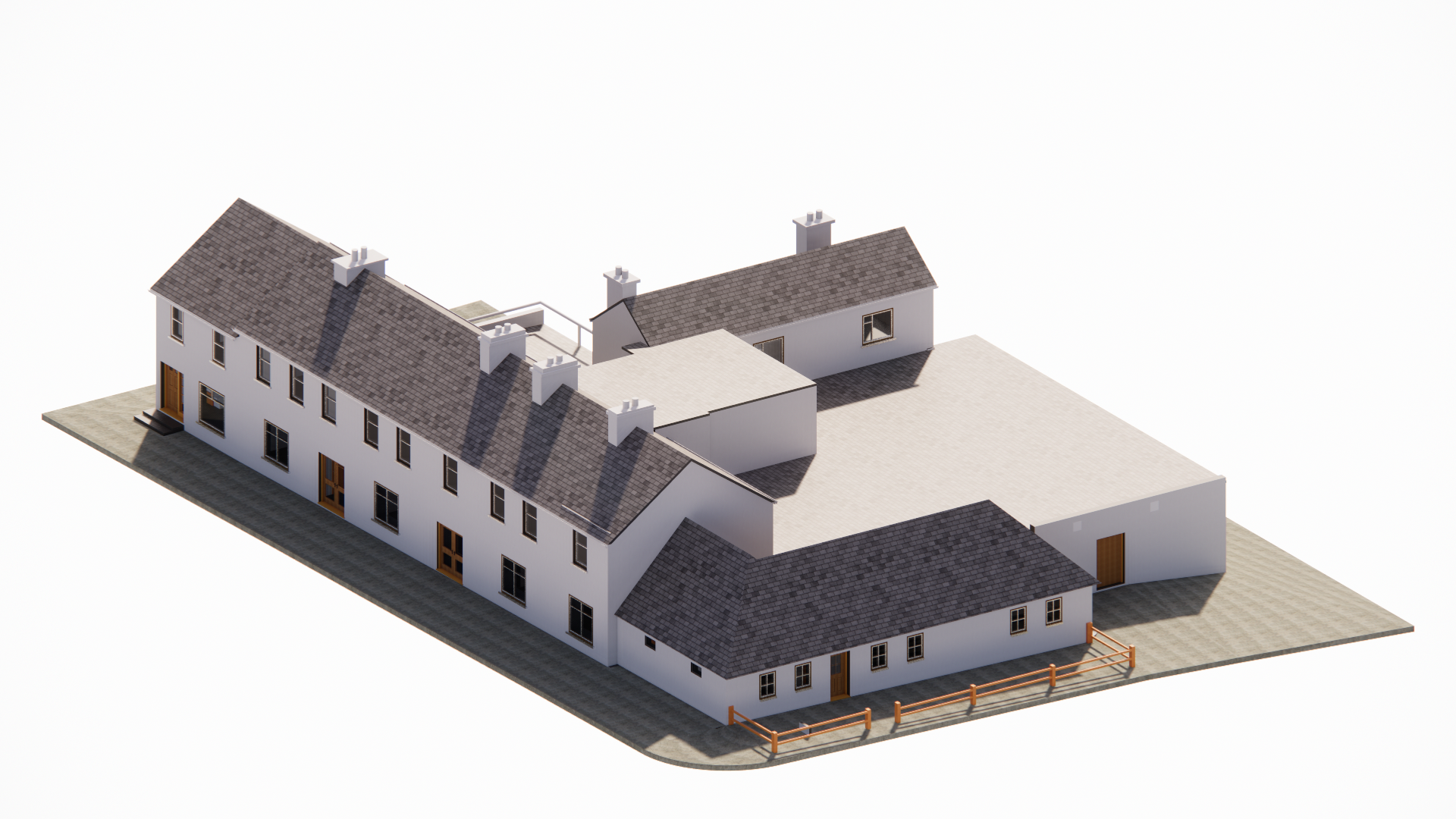
Scan-to-BIM is the process of creating a Building Information Modeling (BIM) model from laser scanning data, also known as point cloud data. This process involves using specialized software to extract information from the point cloud data and convert it into a 3D BIM model.
Know More The process of Scan-to-BIM, which involves creating a Building Information Modeling (BIM) model from laser scanning data, offers numerous benefits in various industries. Here are some of the main benefits of Scan-to-BIM:
Accurate representation of existing conditions: The use of laser scanning technology to capture point cloud data enables the creation of a highly accurate and detailed representation of the existing conditions of a building or structure. This can be helpful in renovation or retrofitting projects, as well as in facility management.
F
aster project completion: Scan-to-BIM can significantly reduce the time required to create an accurate 3D model of a building or structure, compared to traditional manual measurement and modeling methods. This can lead to faster project completion times and cost savings.
Improved collaboration: BIM models created through Scan-to-BIM can be easily shared with other stakeholders in the building lifecycle, including architects, engineers, contractors, and facility managers. This can improve collaboration and communication throughout the project and facilitate decision-making.
Enhanced visualization: BIM models created through Scan-to-BIM can provide a realistic and detailed 3D visualization of the building or structure, which can aid in design and planning decisions.
Increased safety: The use of laser scanning technology in Scan-to-BIM can help to increase safety on construction sites by minimizing the need for manual measurements and reducing the risk of human error.

BIM modeling is the process of creating a digital model of a building or structure using Building Information Modeling (BIM) software. BIM modeling involves creating a 3D digital model that contains information about the physical and functional characteristics of the building, as well as information about its construction and maintenance.
Know More BIM modeling offers several benefits, including improved accuracy and efficiency in design and construction, reduced risk of errors and conflicts, better collaboration and communication among stakeholders, and improved sustainability and energy efficiency. Overall, BIM modeling is a powerful tool for the design, construction, and management of buildings and structures, and its use is becoming increasingly widespread in the architecture, engineering, and construction industries.
Design: The design stage involves creating a conceptual model of the building or structure, which can be refined and developed over time. BIM software allows for the creation of 3D models, which can be used to visualize the building in detail and identify potential design issues.
Detailing: The detailing stage involves adding more detailed information to the model, such as the placement of doors, windows, and fixtures, and the layout of electrical, plumbing, and HVAC systems. This information can be used to create construction documents and specifications.
Construction: During the construction stage, the BIM model can be used to generate construction schedules, identify potential conflicts or clashes between different building systems, and monitor progress.
Maintenance: After construction is complete, the BIM model can be used for facility management and maintenance. The model can be used to track the performance of building systems, schedule maintenance activities, and plan renovations or retrofits.
Embarking on a Digital Odyssey: 3D Modeling Mechanical Elements Through Scanned DataExplore the captivating realm where physical meets digital, as we delve into the process of 3D modeling mechanical elements from scanned data. This blog unravels the transformative journey of turning real-world objects into intricate digital masterpieces.
Know More
Capturing the Essence: The Art of 3D Scanning for Mechanical Components:
Peel back the layers of 3D scanning technology, understanding how it captures the essence of mechanical elements. Learn about the devices and techniques employed to create a detailed digital blueprint, setting the stage for the subsequent 3D modeling adventure.
The Digital Alchemy: From Scanned Data to 3D Models:
Witness the magic unfold as scanned data undergoes a digital alchemy, transforming into detailed 3D models. Explore the nuances of this process, where precision and accuracy come together to breathe life into mechanical elements within the virtual realm.
Tools of the Trade: 3D Modeling Techniques for Mechanical Precision:
Navigate through the toolkit of 3D modeling techniques tailored for mechanical precision. From parametric design to mesh editing, discover the arsenal of tools that sculpt digital replicas faithful to the intricacies of their real-world counterparts.
Fine-Tuning the Future: Refinement in 3D Modeling of Mechanical Elements:
Examine the refinement process integral to achieving perfection in 3D models. Uncover the iterative steps and fine-tuning maneuvers that bridge the gap between the scanned data and the desired level of precision, ensuring an accurate representation of mechanical elements.
Applications Across Industries: 3D-Modeled Marvels in Action:
Conclude the journey by exploring the diverse applications of 3D-modeled mechanical elements. From prototyping to virtual testing, witness how these digital marvels are making waves across industries, offering new avenues for innovation and efficiency.

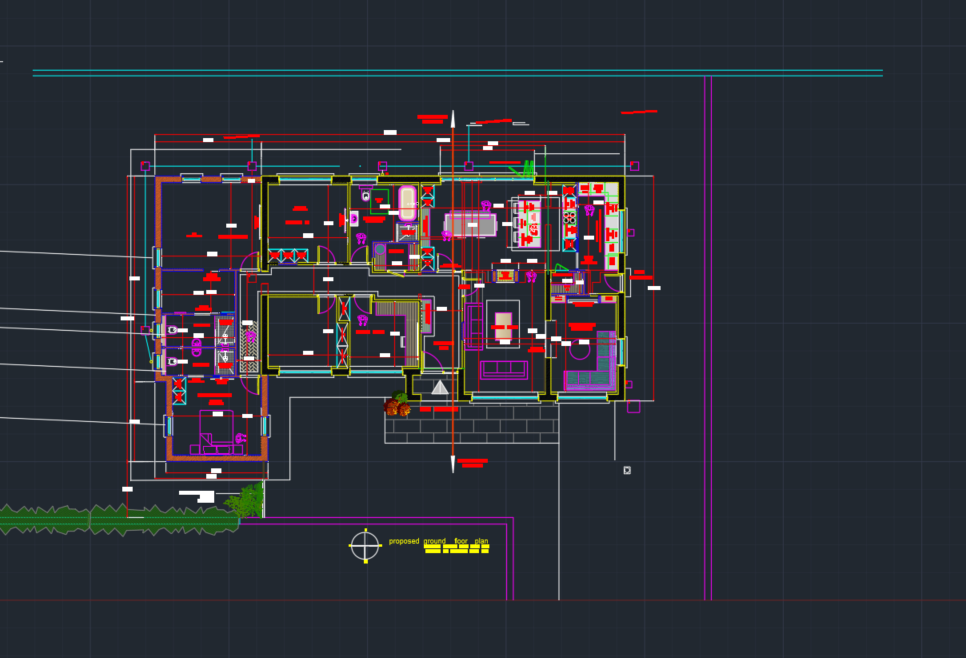
In the fast-paced world of design and engineering, the conversion of PDFs to CAD has become a transformative process. This blog delves into the intricacies of PDF to CAD tracing, exploring the techniques and technologies that bridge the gap between static documents and dynamic CAD models.
Know More
The Evolution of PDF to CAD: Unlocking Design Potential:
Trace the historical evolution of PDF to CAD conversion and understand its pivotal role in unlocking the design potential embedded in static PDF documents. Explore how this process has become a linchpin for digitizing and enhancing engineering drawings.
The Digital Pencil: Techniques for PDF to CAD Tracing:
Uncover the virtual tools and techniques employed in PDF to CAD tracing. From manual tracing methods to advanced automated processes, explore how the digital pencil meticulously recreates intricate details, ensuring accuracy in the transition from PDF schematics to CAD models.
Challenges and Solutions: Navigating the Conversion Landscape:
Examine the common challenges faced during PDF to CAD tracing and the innovative solutions employed to overcome them. From handling different file types to addressing scale and dimensionality issues, explore the strategies that streamline the conversion process.
Precision Redefined: Ensuring Accuracy in CAD Tracing:
Delve into the importance of precision in CAD tracing. Explore the methodologies and best practices that ensure the faithful reproduction of design elements from PDFs, preserving the integrity of the original engineering drawings in the CAD environment.
Applications Across Industries: From PDF Blueprints to CAD Realities:
Conclude the exploration by uncovering the diverse applications of PDF to CAD tracing across industries. From architecture to manufacturing, witness how this process catalyzes efficiency and innovation, turning static blueprints into dynamic, editable CAD models ready for the digital age.
Create a digital twin of your roof to optimize the placement of your solar panels. Say goodbye to unforeseen obstacles. Use the model to calculate the impact of shadows during design phase.
Know More A rooftop is the ideal place to install solar panels to make your house or office building CO2 neutral. Previously, it would have been necessary for a surveyor to climb on top of a roof to measure dimensions, and the exact location of obstacles (e.g., chimneys, vents, HVAC installations). The result of this would be a 2D plan of the roof, to be used as a basis for PV installation design.
Aerial Acumen: Crafting Realistic Terrains from the Sky:
Explore my proficiency in harnessing aerial scanned data for terrain modeling. Witness how I transform aerial insights into detailed, realistic terrains, offering a bird's eye view of the topography.
Laser Precision in Roof Modeling: Showcasing Detail at the Speed of Light:
Delve into my laser-focused approach to roof modeling. From residential structures to complex commercial buildings, discover how I utilize laser scanned data to capture intricate roof details with precision and efficiency.
Fusion of Technologies: Seamless Integration of Laser and Aerial Data:
Experience the power of synergy as I seamlessly integrate laser and aerial scanned data. This portfolio section demonstrates my ability to create cohesive 3D environments, effortlessly transitioning between roofs and terrains for a comprehensive modeling experience.
Overcoming Modeling Challenges: Your Solution-Oriented Freelancer:
Highlighting my problem-solving skills, this section addresses the challenges encountered in elevation modeling. Learn how I navigate through data alignment issues and conquer diverse topographies, ensuring a smooth and efficient modeling process.
Real-World Freelance Success: Bringing Digital Blueprints to Life:
Conclude the portfolio with a glimpse into my real-world freelance success stories. From urban planning projects to architectural visualization gigs, see how I've consistently delivered high-quality results, turning scanned data into tangible and visually captivating landscapes.This portfolio aims to showcase my expertise and instill confidence in potential clients seeking a skilled freelancer for their roof and terrain modeling needs.
A Glimpse into Unique Product Designs Crafted with SolidWorks, Blender, and ZBrush
Know More This portfolio is a visual journey through my proficiency in product design, highlighting the dynamic interplay of SolidWorks, Blender, and ZBrush. Immerse yourself in the world of innovation where creativity meets precision.
SolidWorks Precision: Engineering Excellence in Product Design:
Discover the power of SolidWorks as I engineer precise and manufacturable product components. This section showcases how SolidWorks is instrumental in ensuring the accuracy and functionality of intricate designs.
Blender's Creative Canvas: Aesthetics and Functionality in Harmony:
Explore the artistic side of product design with Blender. Witness how I seamlessly integrate form and function, using Blender to bring concepts to life with sleek aesthetics and ergonomic designs.
ZBrush Sculpting: Adding Life to Designs with Realism:
Experience the artistry of ZBrush as I sculpt and detail product designs. This section demonstrates how ZBrush injects realism into 3D models, enriching the visual appeal of products and creating immersive user experiences.
Software Synergy: Streamlined Workflows with SolidWorks, Blender, and ZBrush:
Navigate through my design process, showcasing the synergistic integration of SolidWorks, Blender, and ZBrush. See how I leverage the strengths of each tool to create cohesive and comprehensive product designs that excel in both functionality and aesthetics.
Design Impact: Real-World Applications of Innovative Product Designs:
Conclude the showcase by exploring the real-world impact of my product designs. From consumer electronics to industrial applications, witness how these designs have made a mark across diverse industries, meeting market demands with a perfect blend of innovation and practicality.
created with
WordPress Website Builder .